
Verify your email#
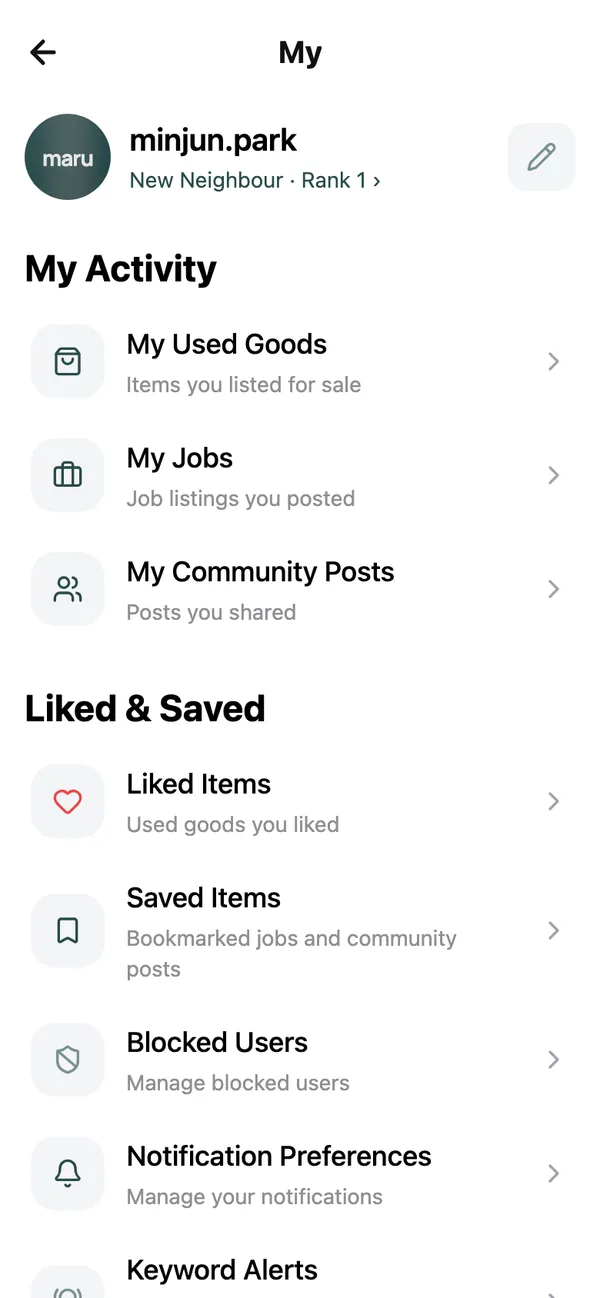
The email row on the My page shows Verified or Not verified · tap to resend the verification email. Tap it to have the link sent again; it works for three days. A verified address is what lets us reach you about your account and is required before you can turn on sign-in codes.
Lock the door#
- 1
Turn on Email code at sign-in
On the My page. On · a code is emailed when you sign in with your password Signing in then asks for the six-digit code with Verify and Resend code. Google, Apple, Kakao and passkey sign-ins are unaffected. - 2
Add a passkey
Under Passkeys on your profile. Use Face ID, fingerprint, or PIN for passwordless sign-in A passkey cannot be phished or guessed, and you can add one on each device you use. - 3
Keep sign-in alerts on
Sign-in alerts in Notification Settings: When your password is used to sign in: the device and location, so you can act if it was not you. If a sign-in was not you, change your password and email us straight away.
Block and report#
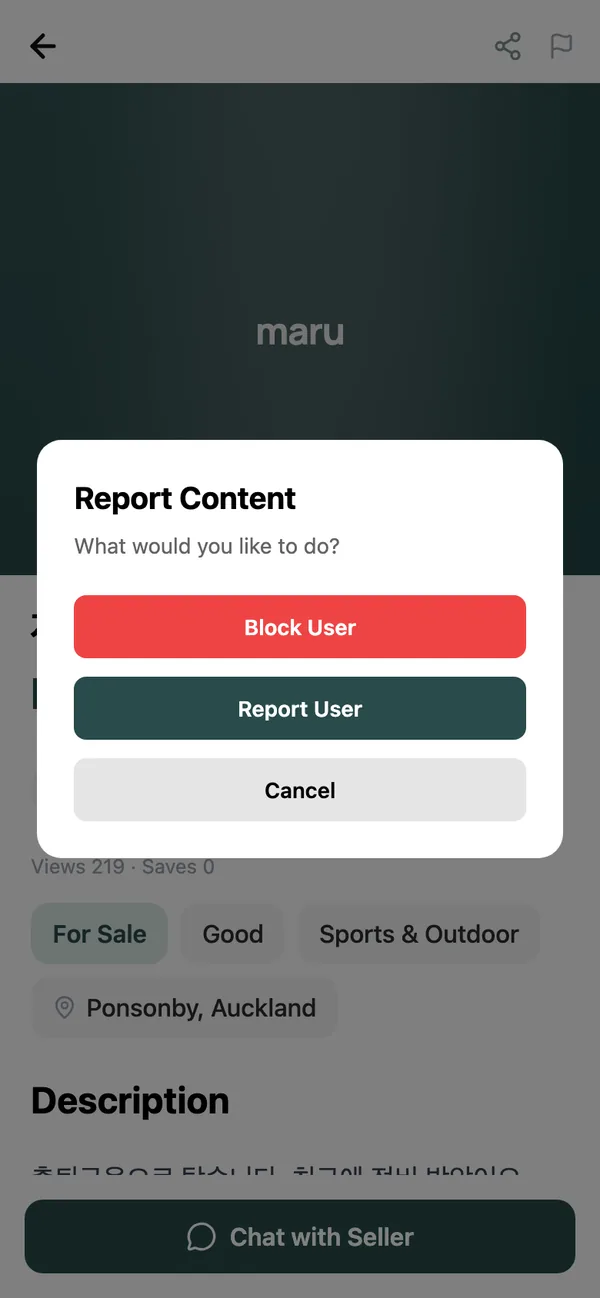
The Report icon is in the header of every listing, post, profile and chat. It opens Report Content with two choices:
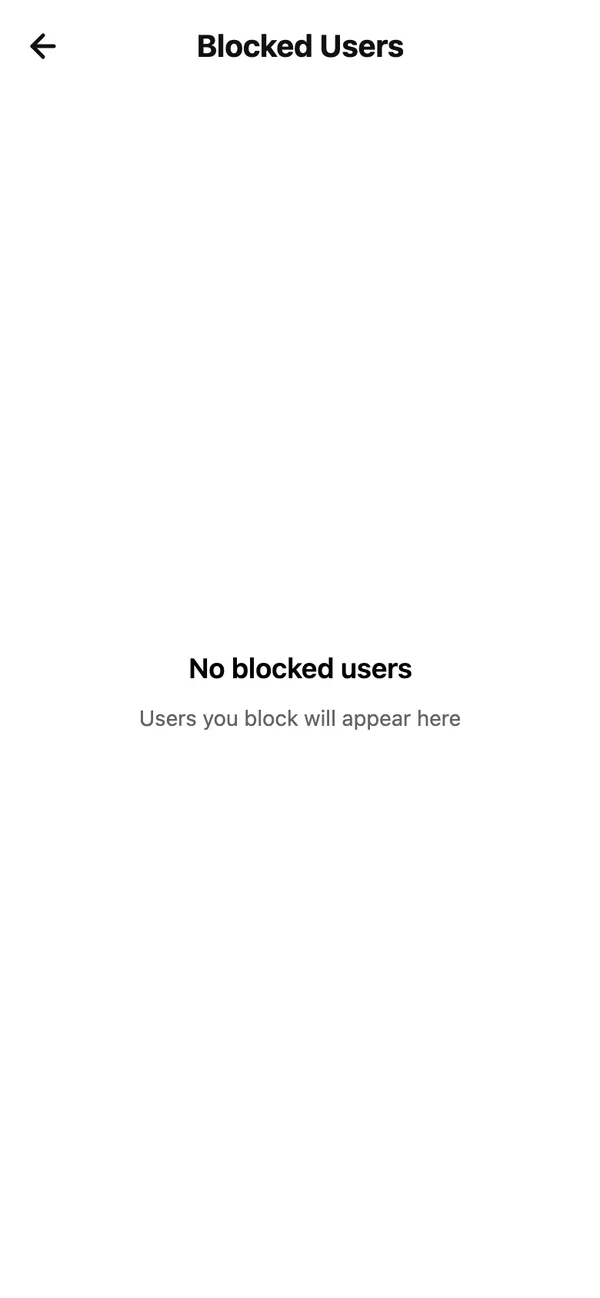
- Block User: Block this user? Their content will be hidden from your feed. They are not told. Undo it any time under Blocked Users on the My page with Unblock.
- Report User: choose a reason such as Spam, Harassment or Fraud / Scam, add a note if it helps, and send. Report submitted. We will review it within 24 hours.
For anything urgent, or if you believe a crime has been committed, contact the NZ Police on 105 (or 111 in an emergency) as well.
Meeting and paying safely#
Meet in a public place in daylight, bring someone for a high-value item, and inspect before you pay. Count cash or confirm a transfer has arrived before handing anything over. Never pay a deposit for something you have not seen. Our safety tips go into detail.
Close your account#
On your profile, under Danger Zone, tap Delete Account. Closing your account removes your name, email address, photo and profile. Listings, posts and messages you have already shared stay on maru, shown from a deleted user. The link What is deleted and what is kept sets out exactly what goes and what stays. It cannot be undone; signing up again starts from an empty account.
Common questions#
I think someone else is using my account.#
Change your password, turn on Email code at sign-in, and email [email protected]. We can sign out every device.
Can a blocked person still see my listings?#
Yes, listings are public. What blocking does is stop them messaging you and hide their content from you.
How long does a report take?#
Every report is reviewed within 24 hours. You are not told the outcome individually, but content that breaks the rules is removed.
Keep reading#
Still stuck? Email [email protected] and we will walk you through it.