
Browse what is near you#
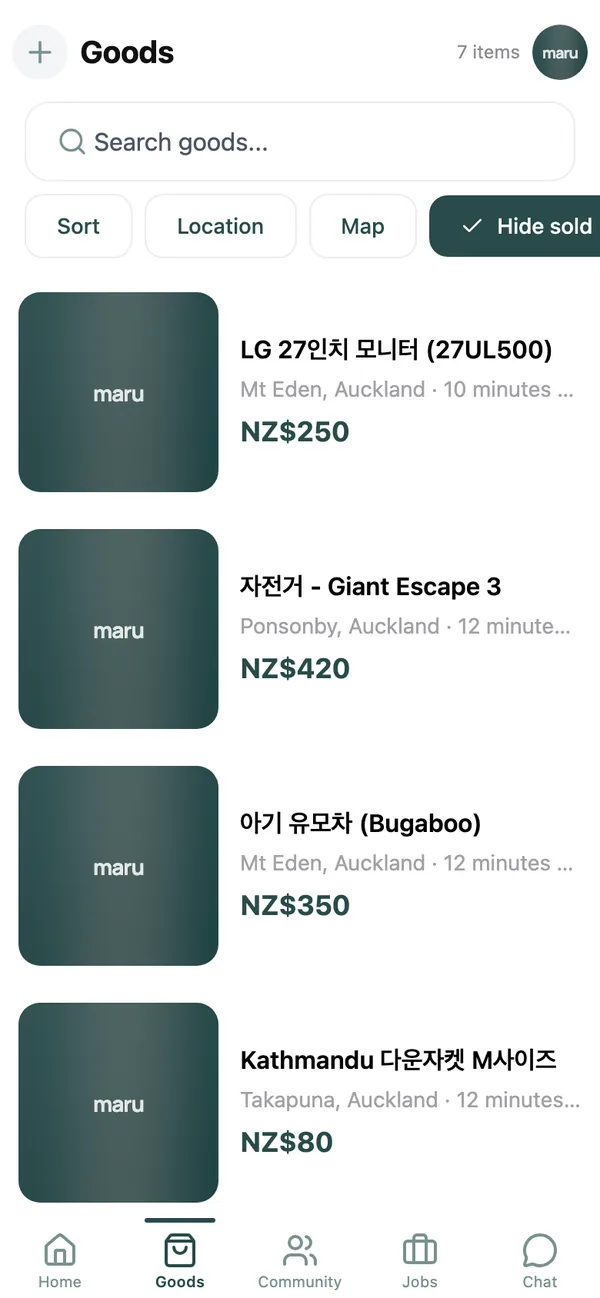
Open the Goods tab. The feed shows items from your saved places, newest first. The chips along the top narrow it down:
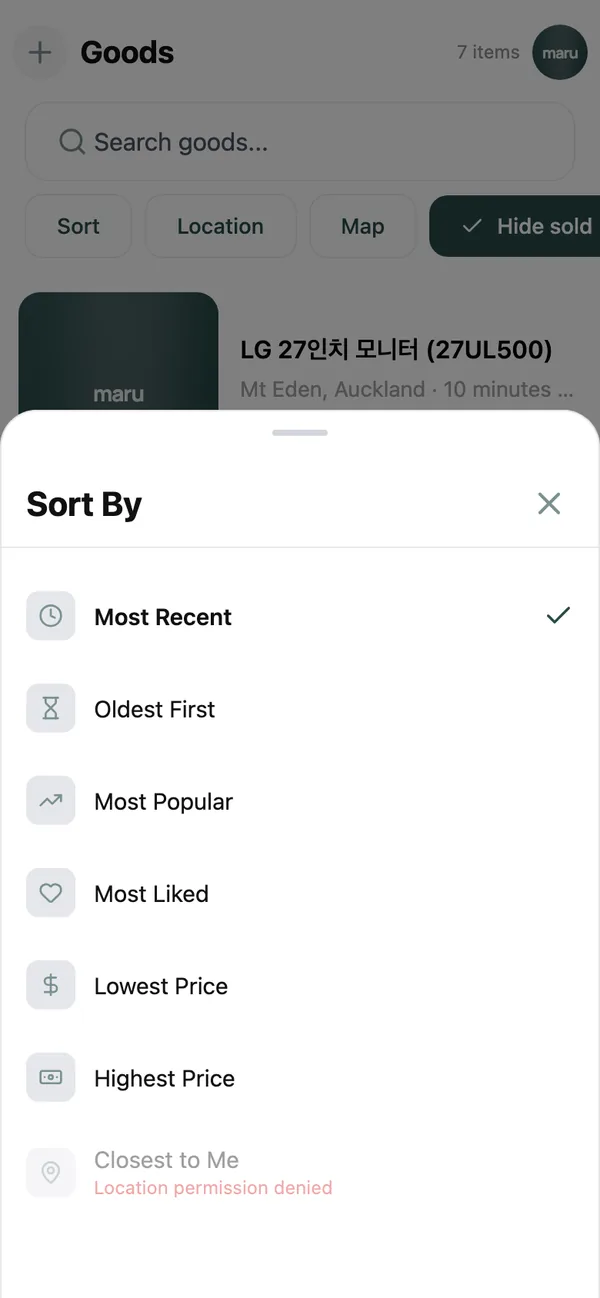
- Sort: Most Recent, Oldest First, Most Popular, Lowest Price, Highest Price or Closest to Me.
- Location: pick one or more suburbs or cities for this search, without changing your saved places.
- Map: see the same listings as pins and tap Search this area after you move the map.
- Category: from Electronics and Furniture to Vehicles, Baby / Kids and Free.
- Traits: extra traits sellers can tag, such as delivery or pickup only.
- Hide sold: on by default, so sold items stay out of the way.
Reset clears everything. The search box at the top looks through titles and descriptions; the one on the Home tab searches goods, jobs and community posts at once.
Read a listing#
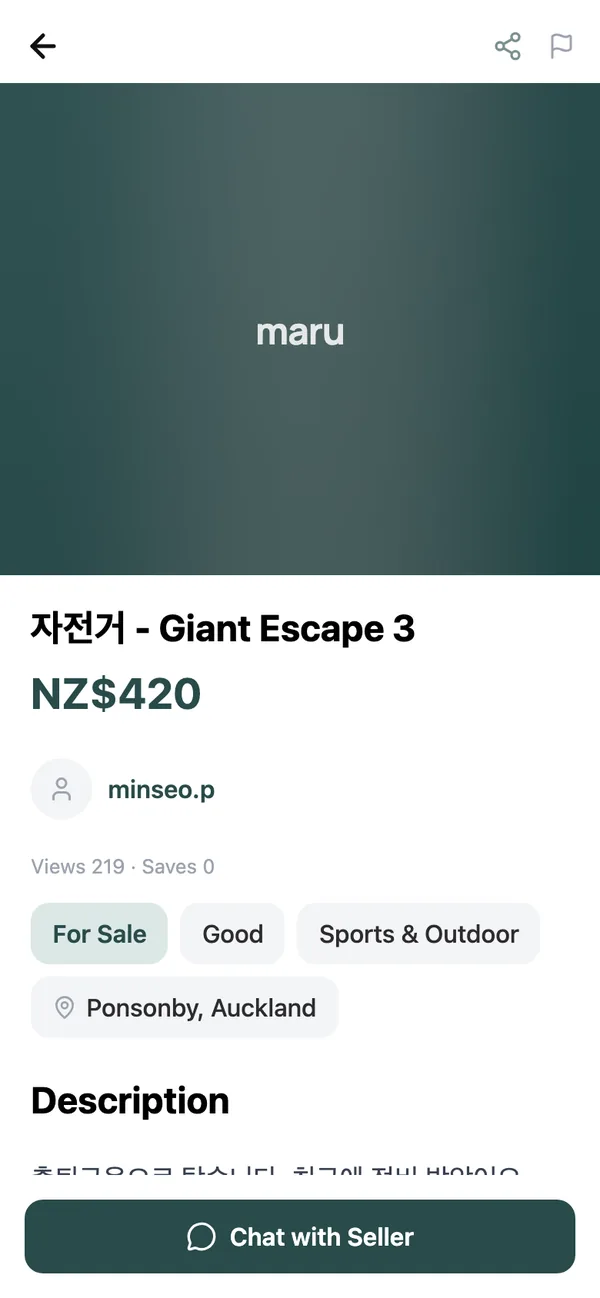
Every listing shows the price (or Free), the condition on a scale from New to Poor, the suburb the seller trades from, and sometimes a line saying it Also meets in other areas. Swipe through the photos, and check Views and Enquiries to see how much interest it has had.
A badge tells you where it is up to: For Sale, Reserved (the seller has promised it to someone) or Sold.
Keep track of things you like#
Tap the heart on any listing. Everything you have hearted is collected under Liked Items on the My page, and the seller sees that someone is interested.
Message the seller#
- 1
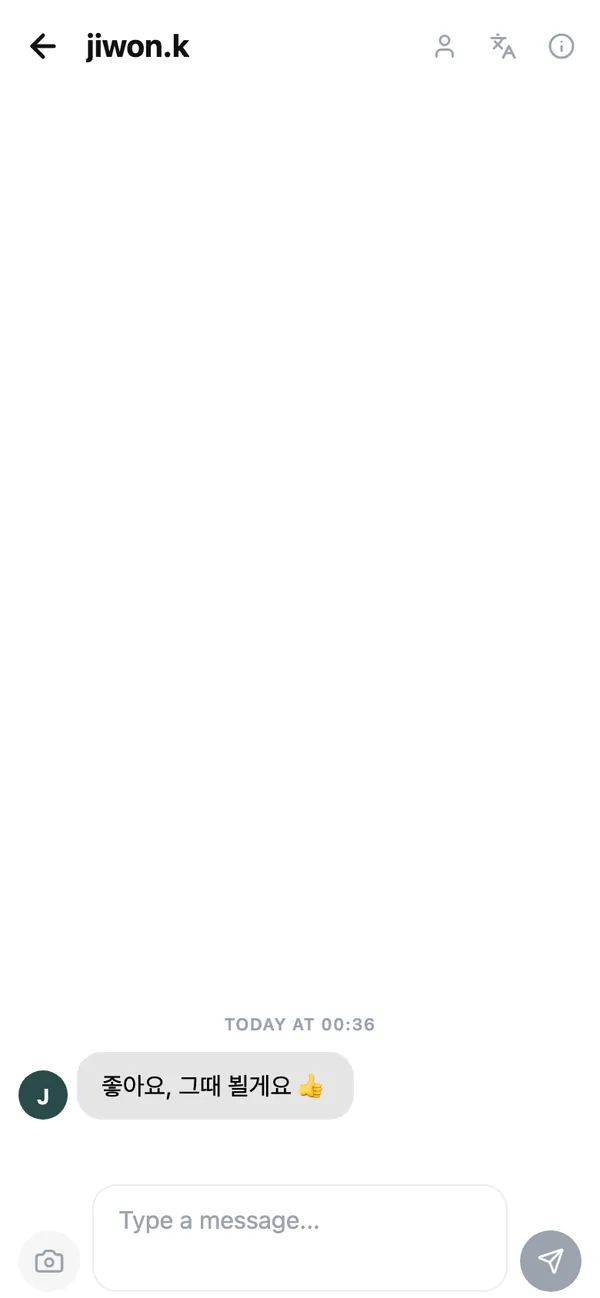
Tap Chat with Seller
This opens a chat with the seller about this item. Your phone number and email are never shared. - 2
Ask what you need to know
Extra photos, exact measurements, whether the price includes delivery. You can send photos too. - 3
Agree a time and place
Somewhere public and in daylight is best. Our safety tips cover meeting up and paying.
Paying#
maru does not handle money. You and the seller agree how to pay, usually cash on collection or a bank transfer once you have seen the item. Never pay in advance for something you have not seen, and never send money to anyone who will not meet in person.
Common questions#
Can I make an offer below the asking price?#
Ask in the chat. There is no offers button; sellers set the price and are free to accept less.
Is there a buyer rating or review?#
Not yet. A member’s profile shows how long they have been on maru, how many items they have sold and their Maru Score rank, which is earned through trades and community activity. See the profile guide.
How do I report a suspicious listing?#
Tap the Report icon in the listing’s header. We review every report within 24 hours.
Keep reading#
Still stuck? Email [email protected] and we will walk you through it.