
Start a conversation#
Chats begin from the thing you are talking about: Chat with Seller on a listing, Send message on a job or a member’s profile. Each conversation is tied to that item, so a seller with three listings sees three separate chats and never has to ask which one you mean.
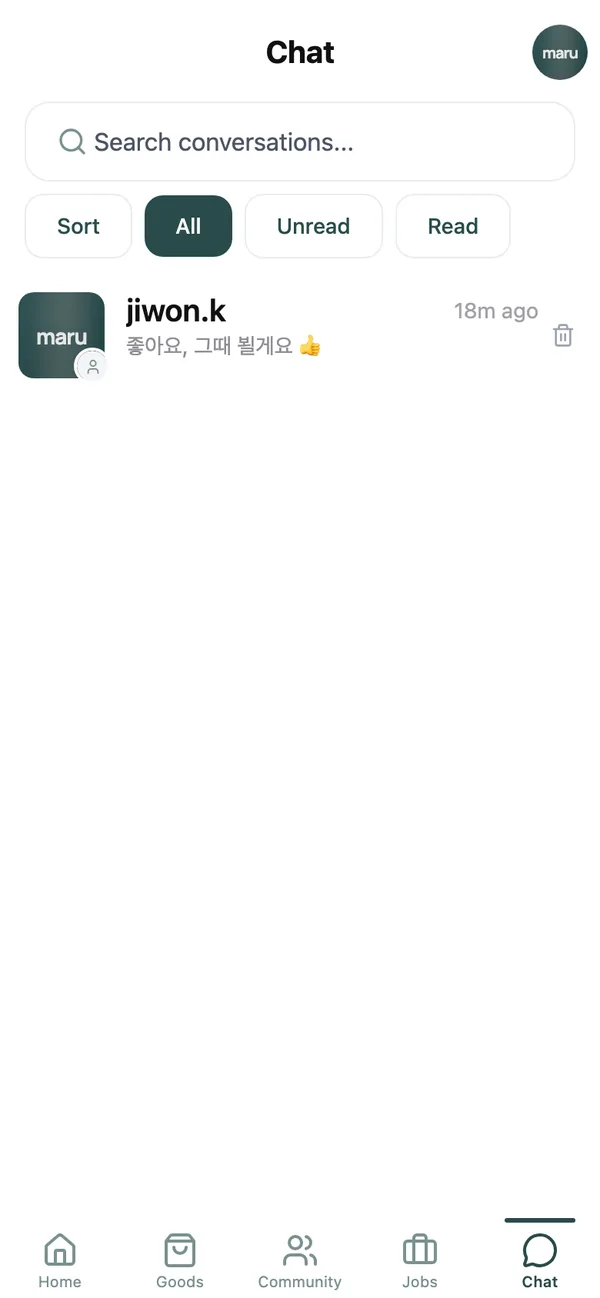
The Chat tab lists every conversation with the newest message first and a badge for unread ones.
Send messages and photos#
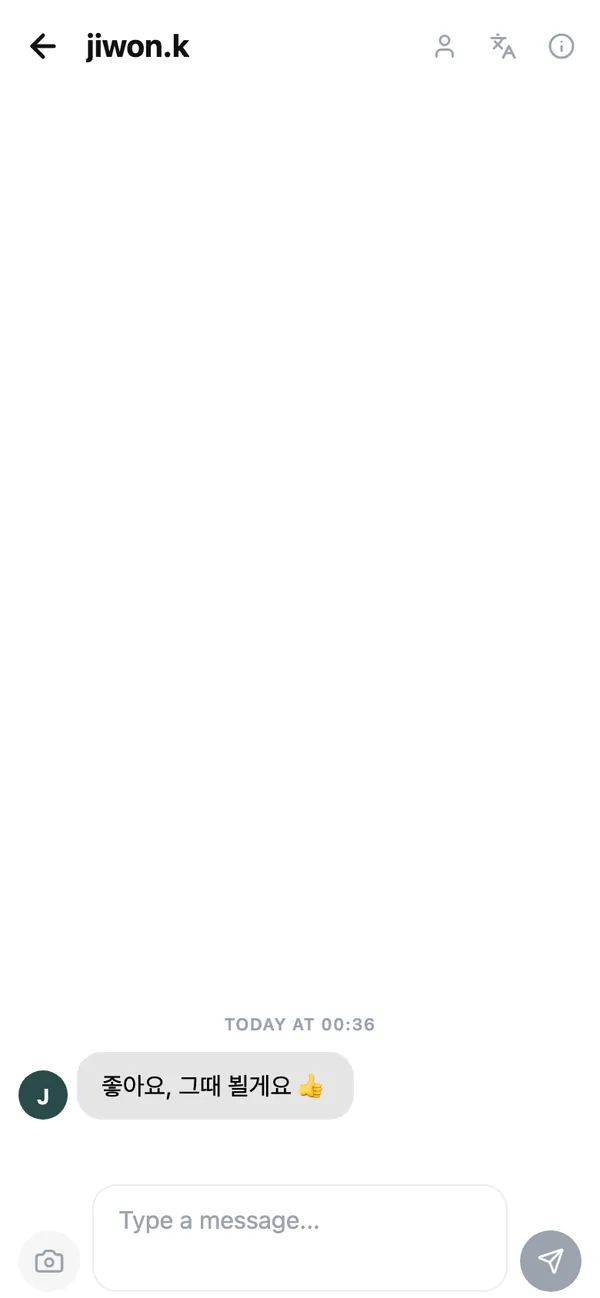
Type in the box that says Type a message… and send. The camera icon attaches photos, and you can pick several at once. On a phone, long-press the icon to paste a picture from your clipboard.
Under your last message you will see Seen by with the other person’s name once they have read it. Long-press any message to react with an emoji.
Read messages in your language#
If the other person writes in Korean and you read English, or the reverse, tap Translate messages at the top of the chat. Every message then appears in your app language, marked Translated from so you know. Show original language switches back, and each bubble has its own View original for when a translation reads oddly. More in the translation guide.
Tidy up, or shut someone out#
From the chat header:
- Delete chat: removes the conversation from your list. The other person keeps their copy.
- Block User: they can no longer message you and their listings and posts disappear from your feeds. You can undo this under Blocked Users on the My page.
- Report: sends the conversation to the moderation team, who review within 24 hours.
Notifications#
Direct messages are always delivered. That said, you decide whether you are told by push notification, email or only inside the app: see Notification Settings on the My page.
Common questions#
The seller has not replied. Did my message send?#
If it shows in the conversation it was delivered. People are busy; give it a day before moving on.
I marked the item reserved for someone. Why can other people not message me?#
That is what reserving does: only you and the person you picked can keep chatting about the item. Cancel the reservation to reopen it.
Can I chat with someone who has not posted anything?#
Yes, from their profile with Send message.
Keep reading#
Still stuck? Email [email protected] and we will walk you through it.