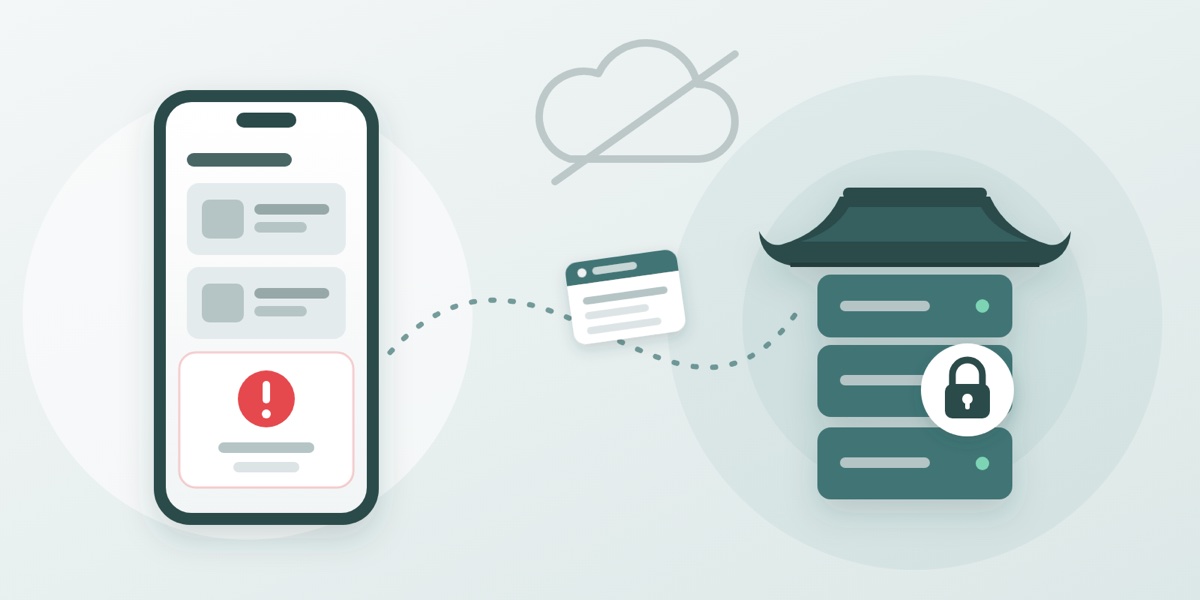
An app crash is a strange kind of problem: the person it happens to sees it, shrugs, opens the app again, and gets on with their day. Unless they write in, which hardly anybody does, we never find out. Until this month, that was how we learnt about crashes in maru: late, second-hand, and only for the ones that annoyed somebody enough to email.
From version 2.5.9 on iPhone and Android, that changes. When the app crashes, or hits an error it can’t recover from, it sends us a short report. We see it within minutes, grouped with every other time the same thing has gone wrong, so we can tell a one-off from something hitting dozens of people after an update.
It goes to us, not to a third party#
Most apps send their crash reports to an analytics company. We didn’t want to. maru uses the open-source crash reporting library from Sentry, which is the same code many large apps use, but we pointed it at our own server instead of Sentry’s service. The reports land in the same place as the rest of maru’s data and are read only by the maru team. No crash report is sent to Sentry or any other crash-reporting company, and none of it is used for advertising. The only thing that leaves our servers is a one-line alert to our team’s chat when a new problem appears, giving the error’s name and the app version.
What a report contains#
A report is about the app, not about you. It contains:
- What went wrong: the kind of error and its message, and roughly where in the app’s code it happened.
- Which app: the version number and which update you’re running.
- Which phone: the model, its operating system version (say, iOS 27.1) and language setting, and technical details such as free memory and screen size.
- What led up to it: the last few dozen steps before the crash, such as which screens were opened, which web addresses the app was loading from, and the app’s own log messages. Anything after a “?” in an address, which is where search words travel, is removed before the report is stored. That trail is usually what lets us reproduce the problem.
- An ID: if you’re signed in, the internal ID of your account, so that if you write in about a crash we can find your report; if you’re not, a random ID for that installation of the app. Neither is your name, your email address or your phone number.
What a report leaves out#
- Your name, email address, phone number or password.
- Your IP address. The app is set up not to send one, and if a report ever arrived carrying one, our server removes it before the report is stored.
- What you were writing, the photos you picked, or the contents of your chats. A report describes the app’s state, not your content.
- Screen recordings or screenshots. Crash reporting records nothing when nothing has gone wrong: reports are only sent when something breaks. (Separately, maru uses Google Analytics to see which features get used; our privacy policy explains what that records.)
How long we keep it#
We keep the most recent fifty reports of each problem, and a daily count of how often it happened for the last ninety days. Older reports are deleted automatically, so a problem that happens thousands of times doesn’t pile up thousands of reports.
What it means for you#
Mostly, nothing you’ll notice. You don’t need to turn anything on, and the app doesn’t ask. What you should see over time is fewer crashes, and fixes arriving sooner. Many can go out as an over-the-air update, which reaches your phone without waiting for a new version in the App Store or Google Play.
If the app does crash on you, you’re still very welcome to tell us what you were doing at [email protected]. Now we’ll have the report to match it against. And the privacy policy has the full picture of what maru collects.