
Saved places#
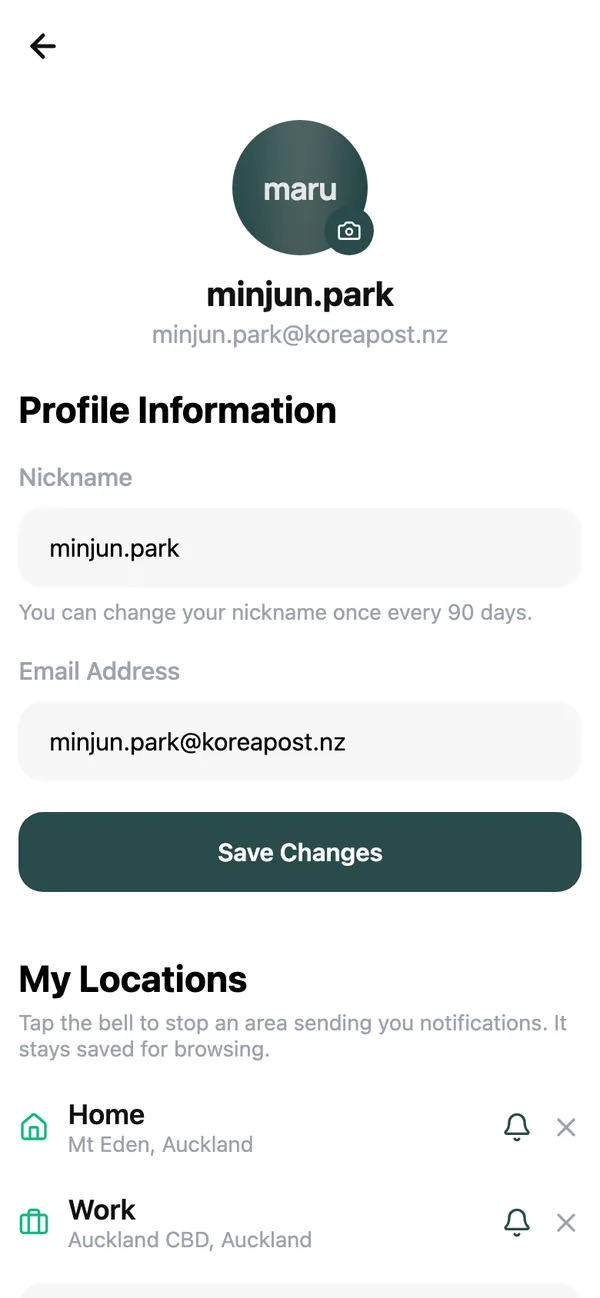
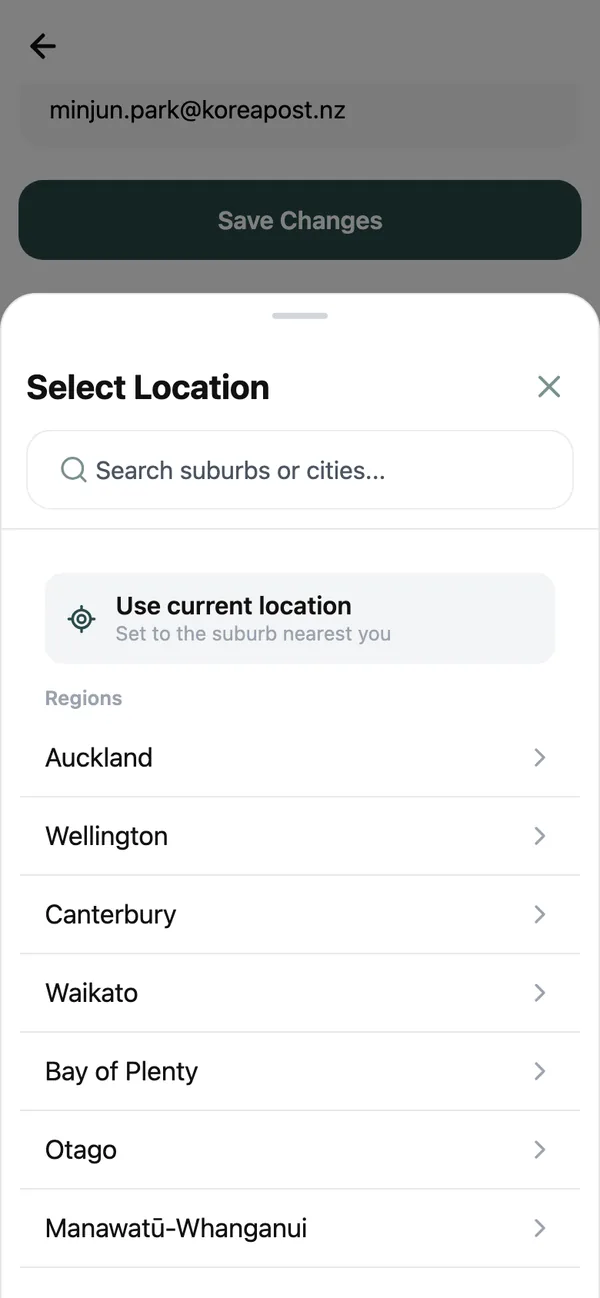
A saved place is a suburb or city with a radius around it, 20 km by default. The Goods, Community and Jobs feeds show what is inside those circles, and the “near you” notifications are sent for new things posted inside them.
You can save up to three, each labelled Home, Work or Another area. Manage them under My Locations on your profile, or tap the location chip on the Home tab and choose Manage locations. The getting started guide has the steps.
Keyword alerts#
A keyword alert watches every new listing, job and community post, anywhere in the country, for a word or phrase.
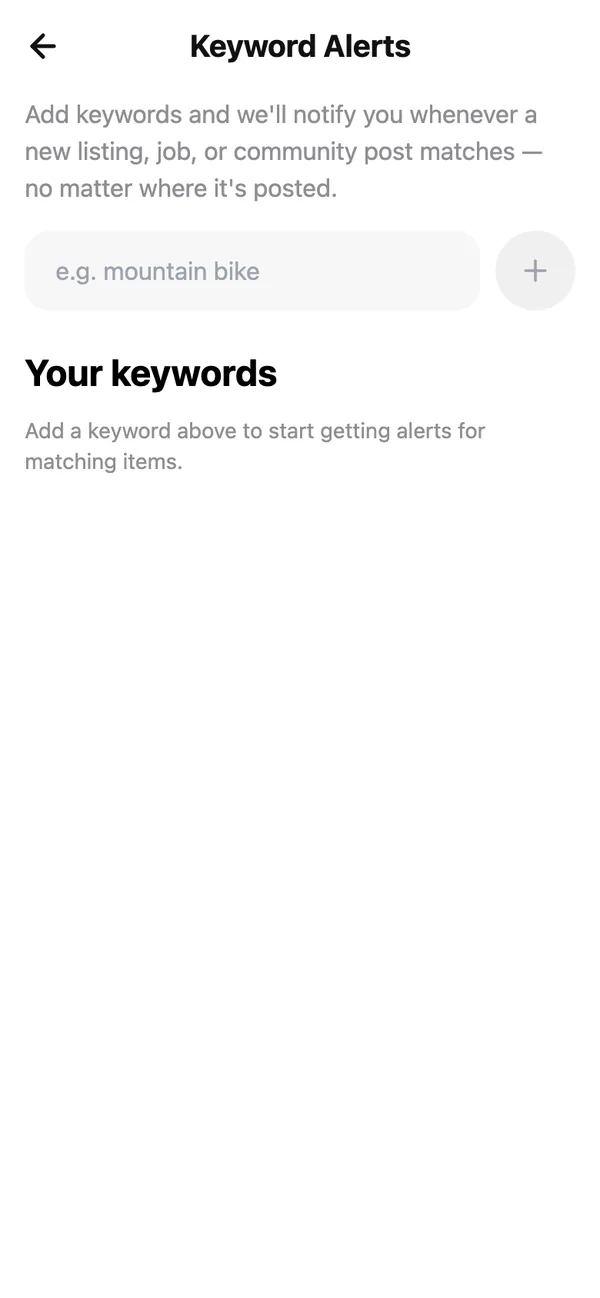
- 1
Open Keyword Alerts
It is on the My page. Add keywords and we’ll notify you whenever a new listing, job, or community post matches — no matter where it’s posted. - 2
Type a keyword and tap Add keyword
Be specific: ikea desk rather than desk, barista rather than job. You can keep up to ten. - 3
Or follow a search
After searching in any tab, a chip under the search box offers to follow that term. Tap it and the keyword is added for you.
Follow people#
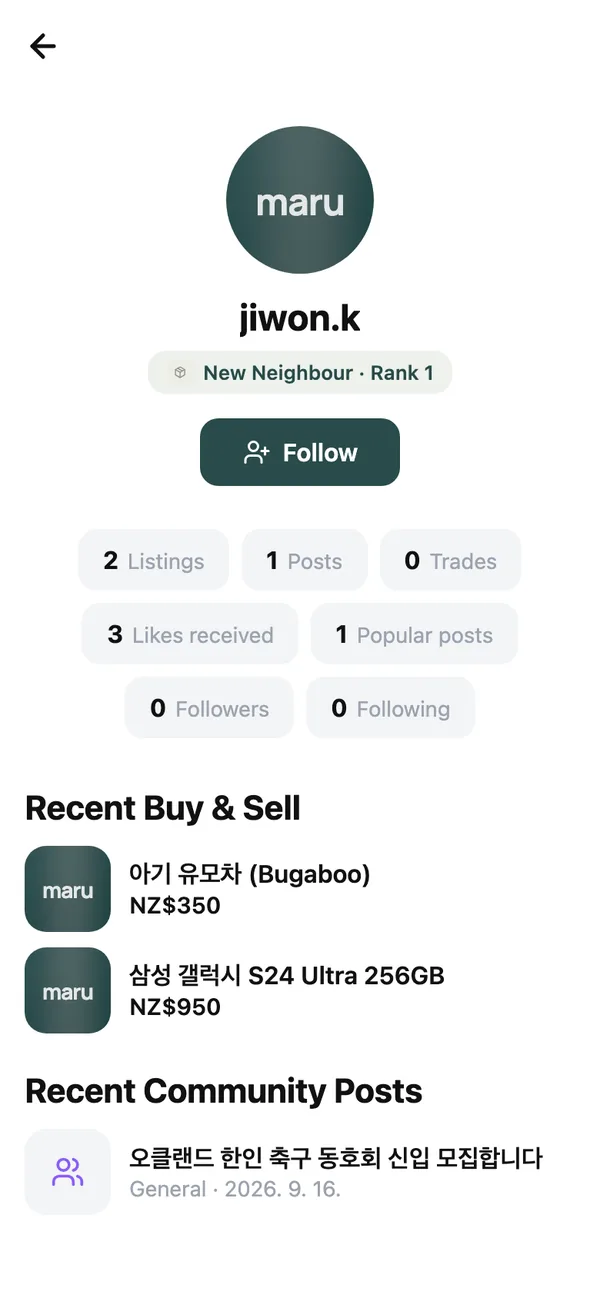
Open a member’s profile and tap Follow. With New posts turned on you hear whenever they list or post something. Your follows and followers are listed under Follows, where Unfollow undoes it.
Choose how you are told#
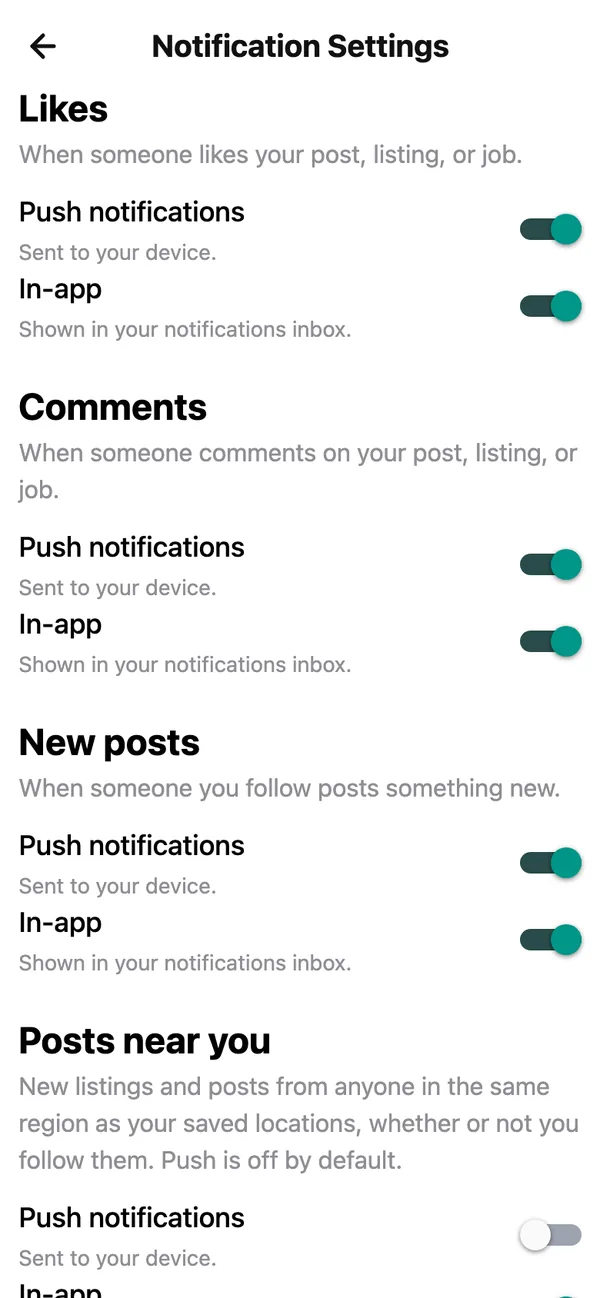
Notification Settings on the My page has a row for each kind of notification, and three switches on each: Email, Push notifications and In-app.
- Likes and Comments on your own listings and posts.
- New posts from people you follow.
- Posts near you: new things near a saved place. Under Which local posts you pick Marketplace listings, Community posts and Job listings separately. Push is off for these by default, because a busy suburb can be noisy.
- Keyword matches.
- Sign-in alerts: When your password is used to sign in: the device and location, so you can act if it was not you.
Direct messages are always delivered.
Your inbox#
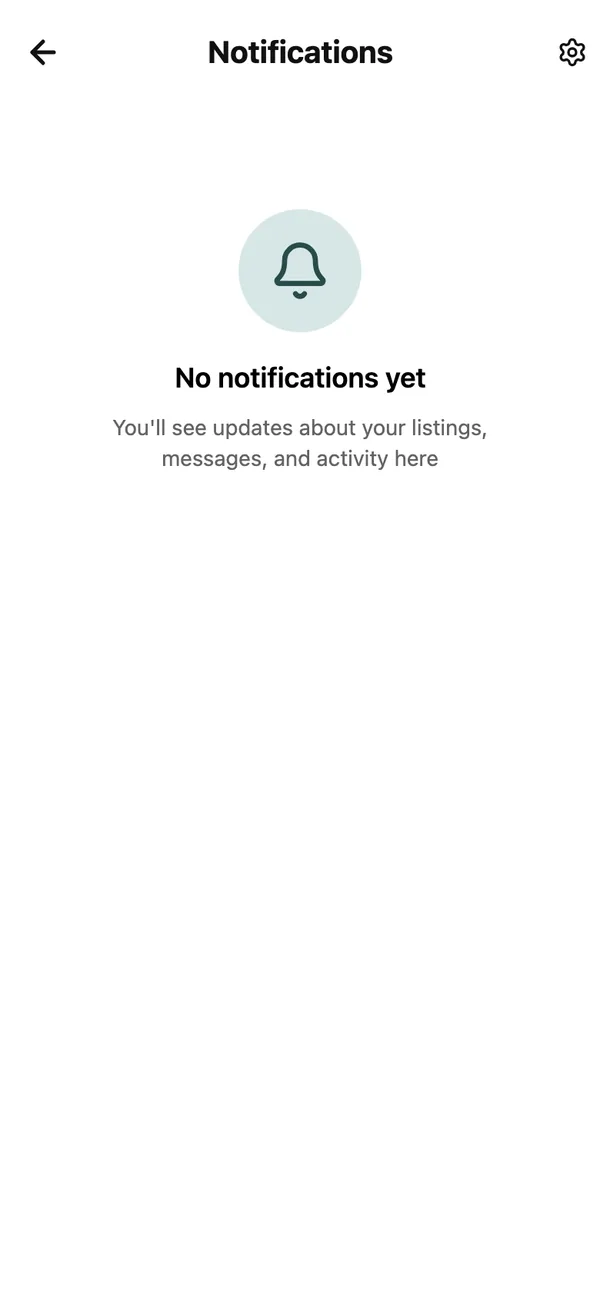
Every in-app notification lands in Notifications, reached from the bell or the account menu. Swipe a row to mark it Read or Delete it, or tap Read All to clear the badge.
Common questions#
Can I change the 20 km radius?#
Not from the app yet. Save a second or third place to cover more ground, or use the Location chip in a feed to look at one specific suburb.
I am not getting push notifications.#
Check that push is switched on for that row in Notification Settings, and that your phone allows notifications from maru in its own Settings.
Why did I get a notification about a post 15 km away?#
Because it is inside the radius of one of your saved places. Mute that place’s bell if it is too broad.
Keep reading#
Still stuck? Email [email protected] and we will walk you through it.